


There’s nothing like the joy of a sleek new television lighting up your living room. But as the months slip by, have you noticed subtle changes? A screen less vibrant, odd sounds, or the dreaded flicker. Is it simply time, or could hidden habits be sabotaging your TV’s lifespan? You might be surprised at just how much everyday mistakes can cut short the glory years of your pricey investment.
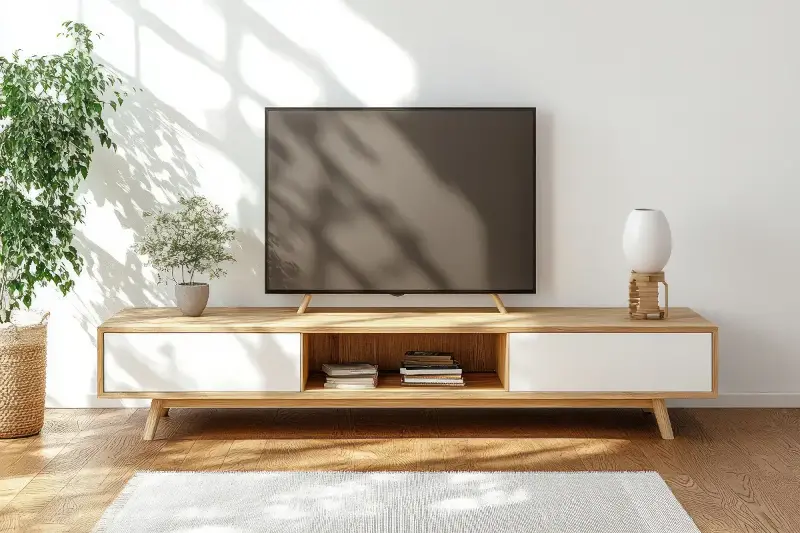
The Dusty Downfall: Keeping It Clean
Dust is more than an eyesore—it’s a lurking enemy. Each speck settling on your TV isn’t just tarnishing its glow, but also sneaking its way inside, clogging vents and overheating components. Heat is the arch-nemesis of your TV’s electronics.
– Gently clean your TV screen and back vents at least once a week. Use a microfibre cloth and avoid harsh chemicals, which can corrode sensitive coatings. – Don’t spray cleaners directly onto the screen. Lightly dampen your cloth instead.
Remember, regular dusting is a simple act with significant rewards for your TV’s health and your viewing pleasure.
Bad Placement: Where You Set Up Matters
Think twice before tucking your TV in a cramped corner or opposite a giant sunlit window. The wrong spot spells trouble.
– Placing the TV near heaters, fireplaces, or in direct sunlight can slowly roast its delicate circuits and fade your screen. – Don’t block ventilation slots or wedge your TV into tight cabinets. This traps heat and strains internal parts, potentially cutting years off its lifespan.
Give your TV room to breathe and shield it from sunlight—your eyes and wallet will thank you in the long run.
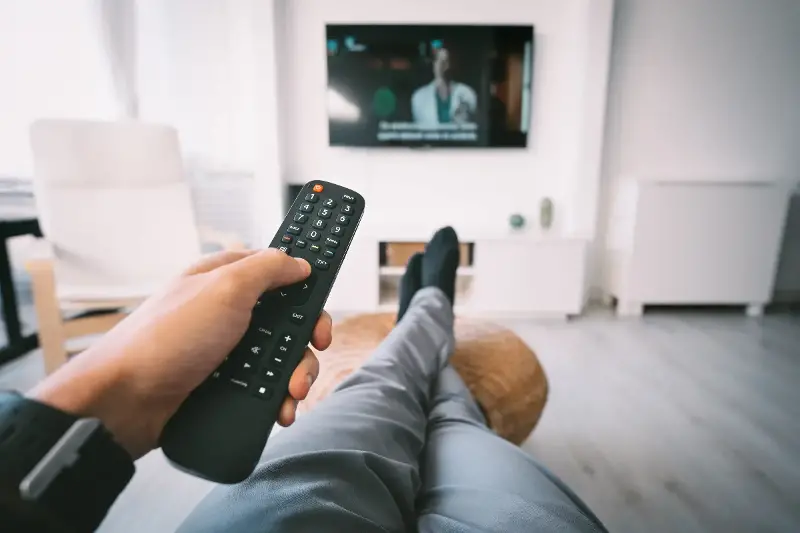
Remote Control Blues: Powering Up and Down
How you turn your TV on and off actually counts—more than you might imagine.
– Frequently cutting power at the wall, instead of using the remote, can shock the internal circuits. – Constantly leaving it on standby, however, slowly saps away at the electronic components, especially in newer smart TVs.
Adopt a balanced approach:
- Switch off using the remote first to let the system power down gently.
- For longer absences, unplug it from the mains—but avoid plugging and unplugging daily.
High Voltage Hazards: Electric Surges Unseen
Electrical spikes can strike without warning, especially during storms or power cuts. A single surge can fry your TV’s brain in milliseconds.
Invest in a quality surge protector—an inexpensive device compared to a whole new TV. Better yet, opt for surge protection for all your valuable electronics to ensure peace of mind.
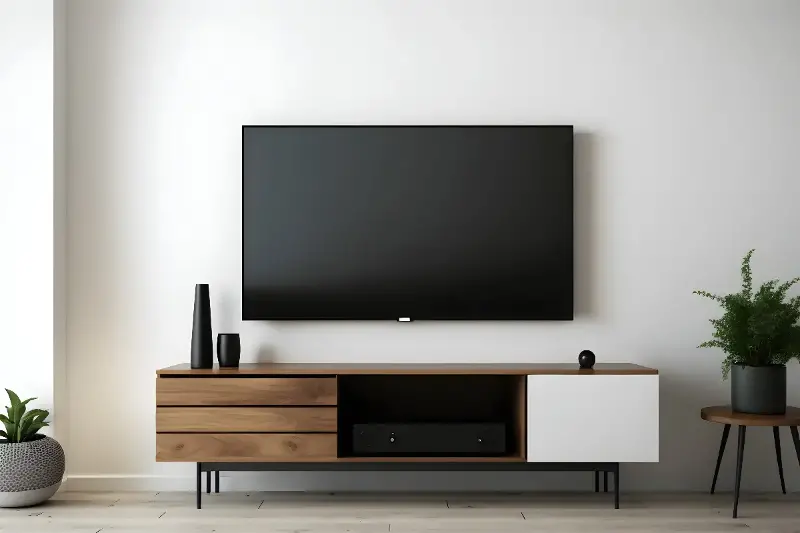
Settings Slip-Ups: Calibrate For Clarity (and Longevity)
Many TVs arrive from the factory with settings cranked high to dazzle under showroom lights—not for your lounge.
- Excessive brightness and contrast can cause burn-in on OLED screens and stress LED panels.
- Overly vivid colour settings not only strain your eyes but may also age the electronics faster.
Take a few minutes to calibrate: – Reduce backlight and contrast to comfortable levels. – Activate energy-saving or auto-dimming modes—these can meaningfully prolong your TV’s life.
Cable Chaos: Connections Matter
Dangling, twisted, or yanked cables can loosen ports and cause internal damage.
– Ensure all HDMI and power cables are neatly arranged. – Remove or insert connectors gently to avoid reluctance later.
Attention to the smallest details can ward off big technical headaches.
As you sit back and marvel at the next blockbuster or gripping series finale, consider how just a little extra care could add years to your TV’s journey. Your television is more than a bit of tech; it frames family nights, big matches, and shared laughter. So ask yourself: what other hidden habits might be quietly influencing the life of your household treasures? The next time you pick up the remote, remember—longevity is in the little things.