



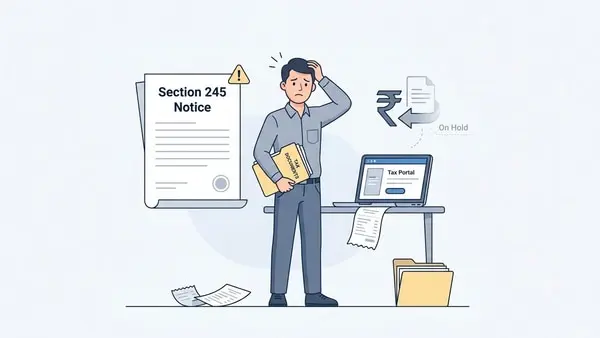
What is a Section 245 intimation?
- You are eligible for an income tax refund for the current assessment year.
- You have an outstanding tax demand from a previous financial year.
How to check outstanding tax demand?
- Log in to your account on the e-filing portal.
- Go to Pending Actions.
- Click Response to Outstanding Demand.
How to respond to a Section 245 notice?
1. Demand is correct and you have not paid it
- Select “Demand is Correct.”
- Choose “Not Paid Yet.”
- Click Pay Now and complete the payment.
- Submit your response after the payment is successful.
2. Demand is correct, but you have already paid it
- Select “Demand is Correct.”
- Choose “Already Paid.”
- Enter the challan details, including the payment amount, BSR code, challan serial number, and payment date.
- Upload the challan copy and submit your response.
3. You disagree with the demand (fully or partially)
- Select “Disagree with Demand.”
- Choose the appropriate reasons listed on the portal and provide the required details.
- If you disagree only partially, pay the remaining demand amount before submitting your final response.
Disclaimer: This is only for informational and educational purposes. Please consult a qualified tax expert for the latest tax laws and regulations.