



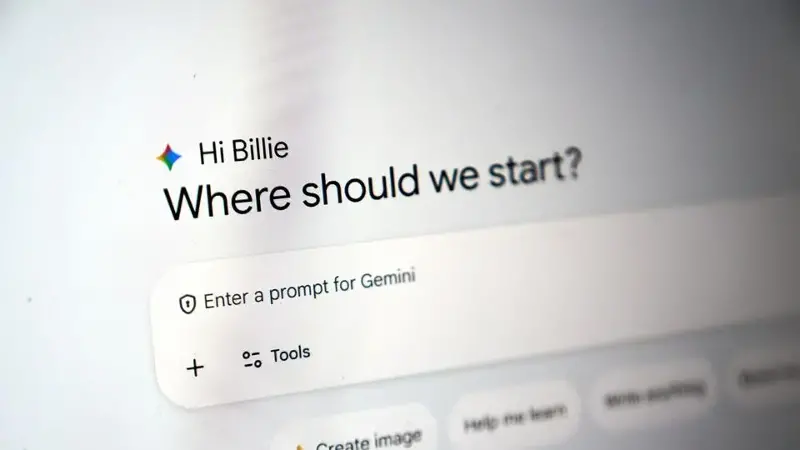
With the rising influence of Gemini in the AI world, a lot of former ChatGPT users have switched to Google's AI chatbot. But one problem that users often face while switching between AI chatbots is that they have to start conversations from scratch, since the personalisation that comes with conversation history is lost.
However, if a new report is to be believed, Google is already aware of this issue and is working to mitigate the concern. As per tipster Testing Catalog, Google is working on a new ‘import AI chats’ feature which is currently in beta.
The feature would reportedly allow users to export conversations from other AI chatbots and continue those conversations within Gemini with accurate context preservation.
However, the company does say in the leaked screenshot of the feature that all uploaded conversations will become part of the user’s activity and will be used for further training of the company’s AI models.
“Your imported and continued chats are saved in your Activity. This data is used to improve our services (including training generative AI models), and to protect Google, our users and the public. You can manage or delete your activity anytime,” the screenshot reads.
How will transferring chats from ChatGPT to Gemini work?
As per the leaked screenshot, users will have to download their conversations from AI platforms like ChatGPT or Claude. After the file is downloaded, it can be imported directly into Gemini by tapping on the Import AI Chats feature.
Once the file is uploaded, Gemini will be able to understand the previous conversations the user had with their earlier chatbot, reducing the need to repeat the same information again.
How to export your ChatGPT history?
Open the ChatGPT app or website
Tap on the top right corner of the page and click on your profile icon
Click on Settings and then tap on the Data Controls menu
You should now see the Export data tab. Click on it and then tap on Export
You will see a confirmation screen. Click on Confirm export
OpenAI will send you an email with your data. The link will be valid for 24 hours.
Click on Download data export to download the ZIP file of your data, which will also include the data in .html format.
Tip: It goes without saying that you need to be logged in to ChatGPT in order to transfer your chats.